⚙️ Settings
The Settings section is your account control center — manage link templates, integrations, data retention, storage, display preferences, and billing all in one place.
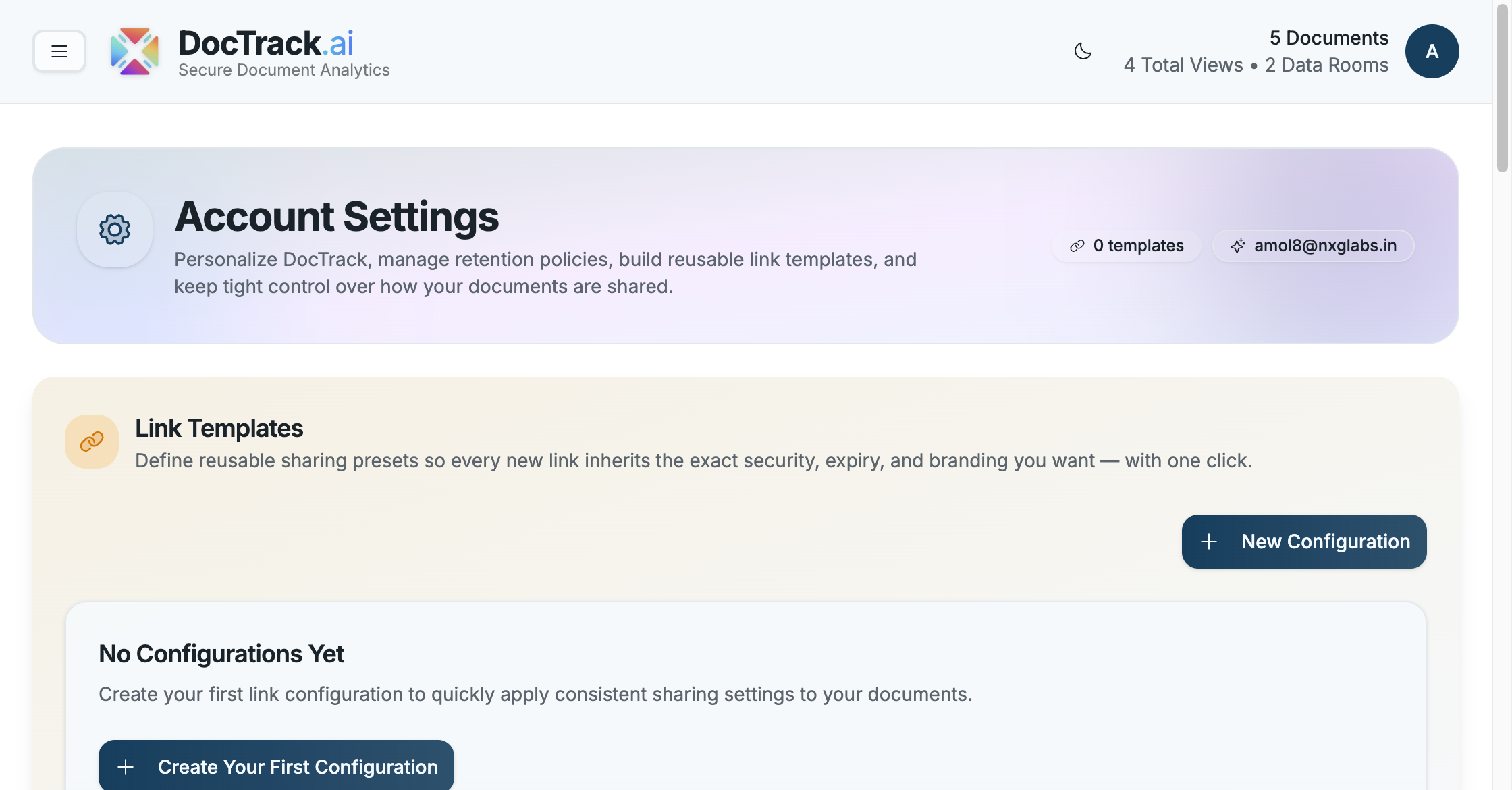
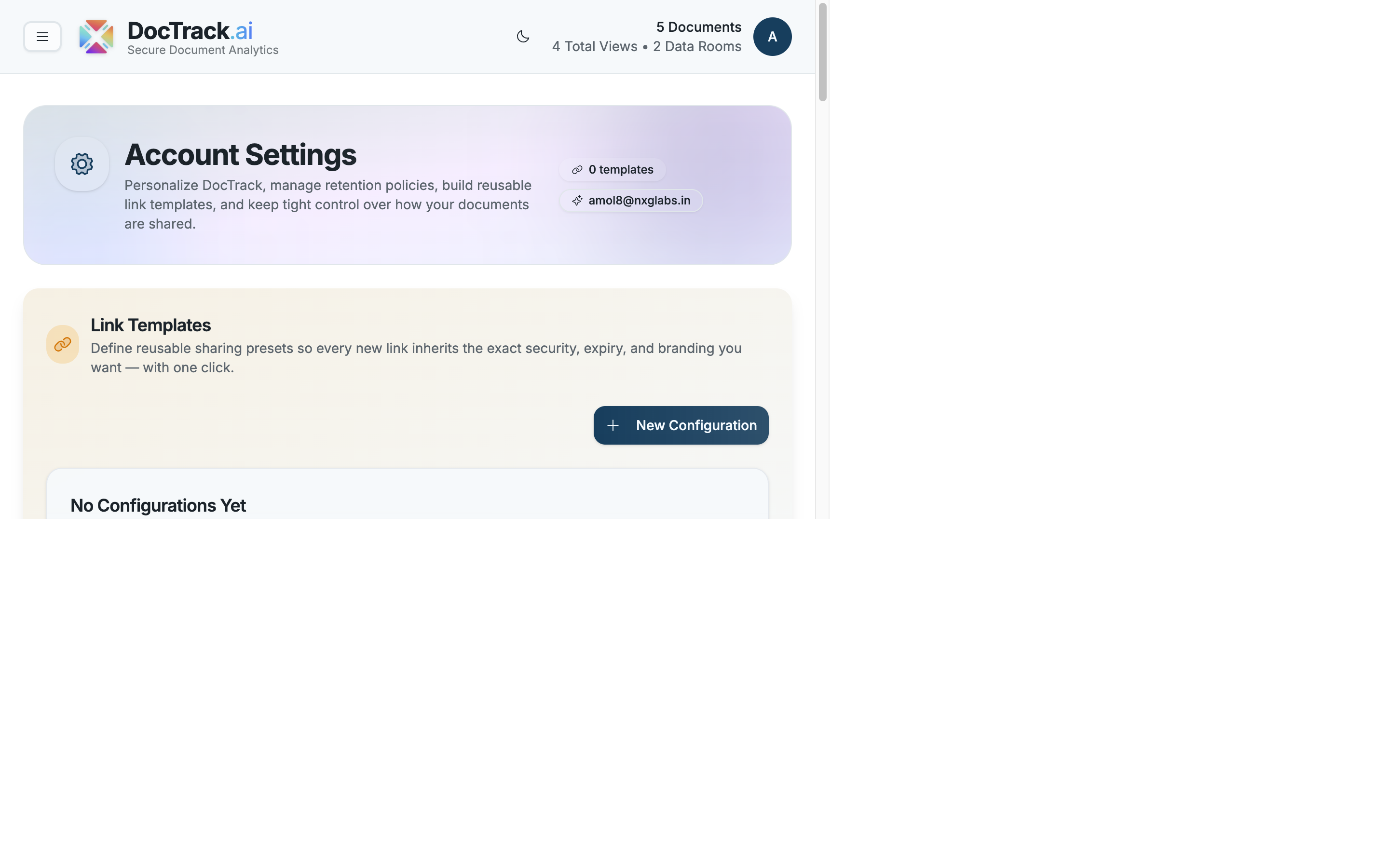
🏷️ Link Templates
Save your most-used share-link configurations as Link Templates so you don't have to reconfigure security settings every time. Templates apply your default password, expiration, watermark, and download preferences when you create a new link.
💡 Templates apply only at the moment a link is created or edited — existing links are not changed retroactively.
✍️ OpenSign Integration
DocTrack integrates with OpenSign for e-signatures. When connected, you can enable the Allow E-Signature option on share links, giving viewers a Sign Document button right in the viewer. The settings page shows the connection status (e.g. Connected) and environment.
🕒 Date & Time Preferences
Control how dates and times are displayed throughout the app:
- 📅 Date format (e.g. MM/DD/YYYY).
- 🌐 Time zone (e.g. Asia/Calcutta).
Changing your time zone only affects how times are displayed — it doesn't change when events actually occurred.
💾 Storage Usage
Track how much of your plan's storage you've used (e.g. 0.00 / 50 GB). Your current subscription plan is shown alongside your usage.
🗄️ Analytics Retention Policy
Set how long DocTrack keeps your analytics data (e.g. 1 Year). When data reaches the end of the retention period it's removed, so export anything you need to keep beforehand.
💳 Subscription & Billing
Manage your plan and billing from the account menu. Your current plan determines available features, supported file formats, storage limits, and analytics retention options.
🌗 Display Mode
DocTrack supports light and dark themes. Use the Switch to dark mode toggle in the app header to change the appearance at any time.
That's the full tour — check the FAQs for quick answers. 🚀