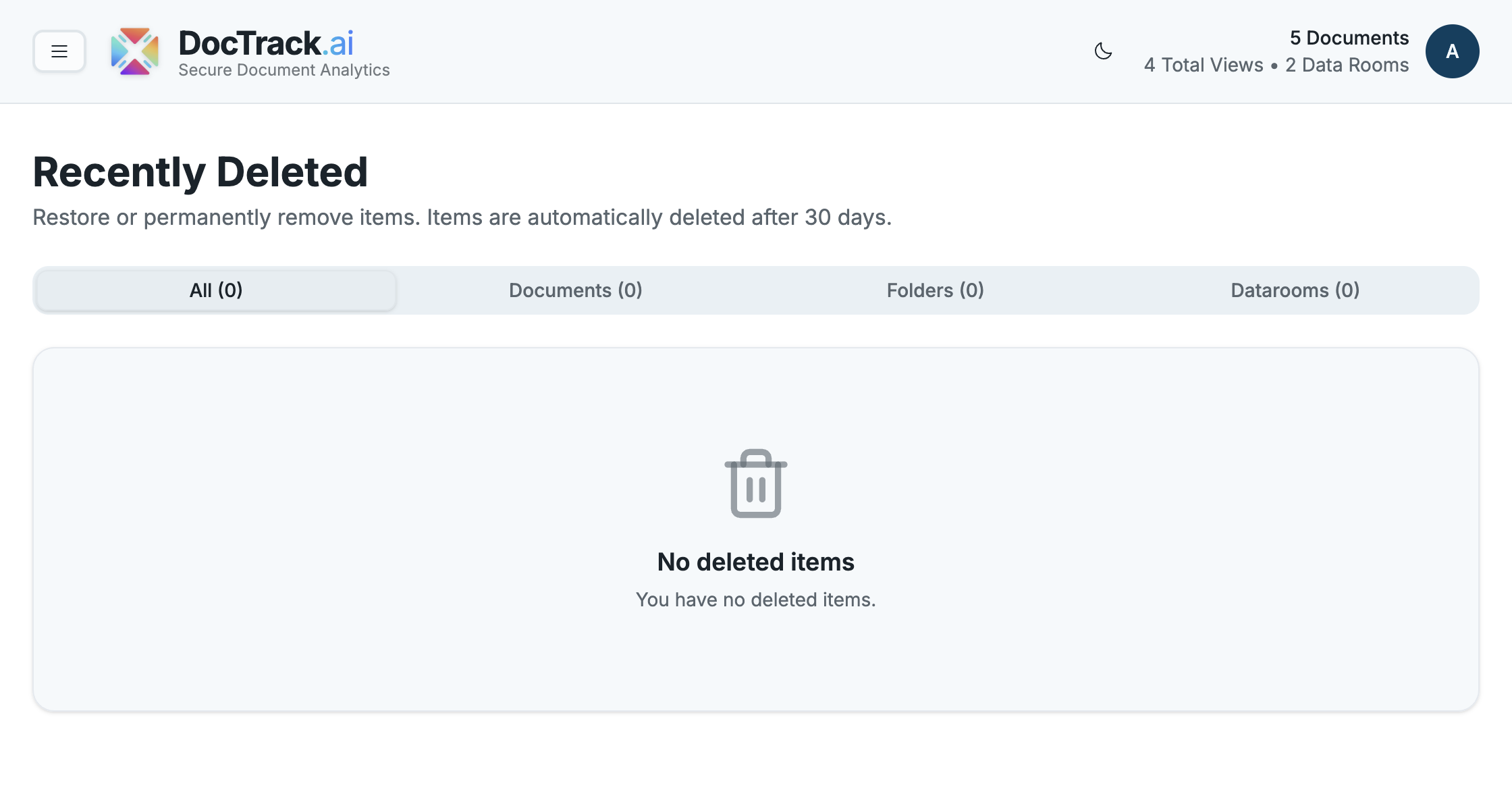
🗑️ Recently Deleted
Deleted something by mistake? The Recently Deleted section is your safety net. Items you remove are held here temporarily so you can restore them before they're permanently erased.
⏳ The 30-Day Window
Deleted items are kept in Recently Deleted for 30 days. After that, they're automatically and permanently removed. Restore anything you need before the window closes.
🗂️ Filtering by Type
Recently Deleted is organized into tabs so you can quickly find what you're looking for:
- 📋 All — every deleted item.
- 📄 Documents — deleted files.
- 📁 Folders — deleted folders.
- 🗂️ Datarooms — deleted data rooms.
♻️ Restoring an Item
- Open Recently Deleted.
- Switch to the relevant tab (or use All).
- Find the item and choose Restore to return it to its original location.
⚠️ Once an item passes the 30-day window — or is permanently deleted — it cannot be recovered. Be sure before you permanently remove anything.
Finally, configure your account in Settings. 🚀