🗂️ Data Rooms
A Data Room is a secure, branded space that bundles multiple documents behind a single access-controlled link. Data rooms are ideal for fundraising, due diligence, board updates, and any situation where you need to share a curated set of files as one package.
💡 Why Use a Data Room?
- 📦 One link, many documents — recipients access everything in a single place.
- 🛡️ Unified security — apply password, expiration, and download rules to the whole room.
- 🏷️ Branded experience — add your logo, colors, and a custom welcome message.
- 📊 Room-level analytics — see engagement across every document in the room.
- 🧭 Index page — an optional contents page that lists all included documents.
📋 The Data Rooms List
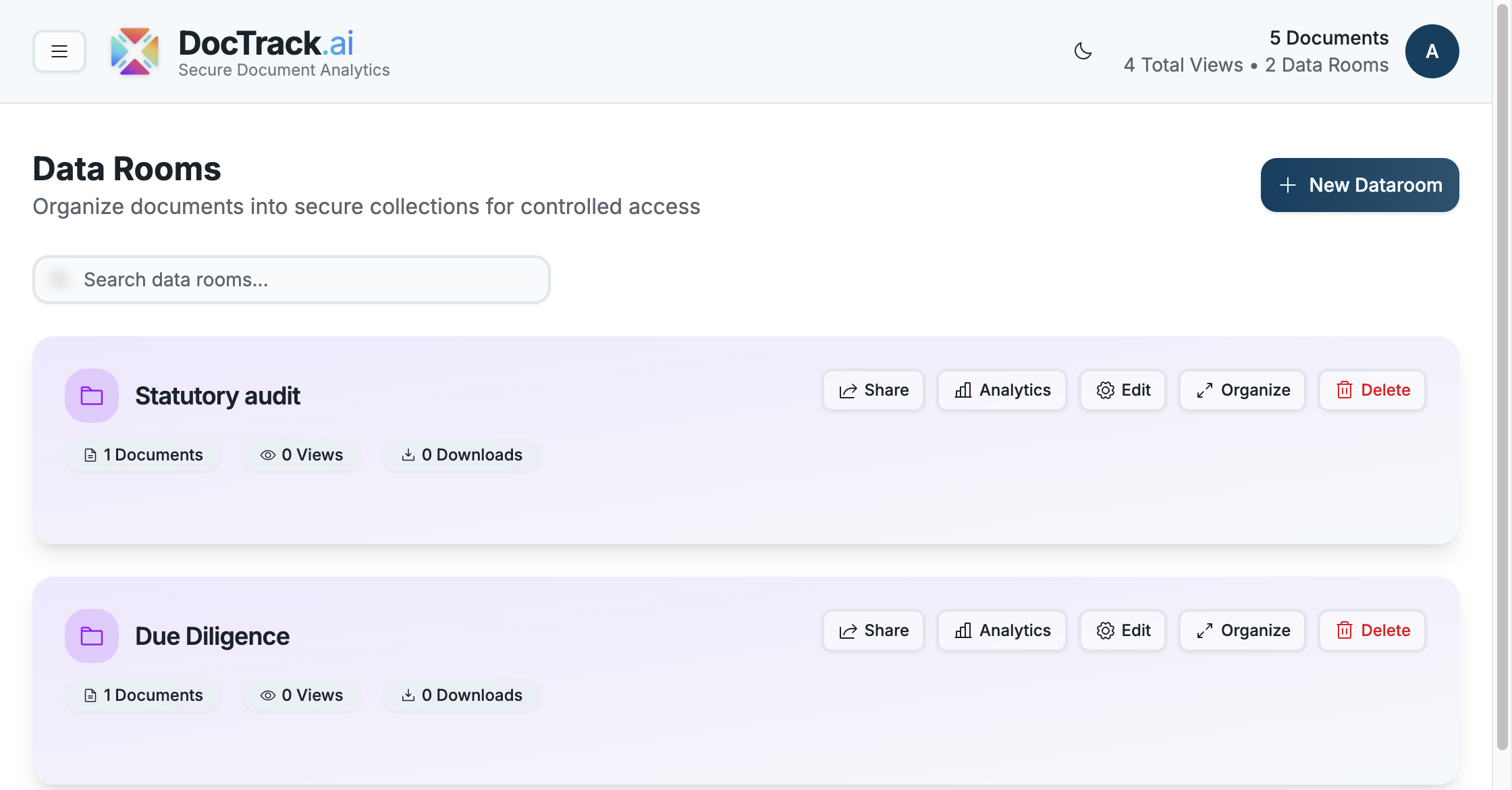
The Data Rooms section lists every room you've created, showing each room's name, the number of documents it contains, and its view count. From here you can open a room, edit it, view its analytics, or create a new one.
▶️ Working with a Data Room
- ➕ Create a new room with the Create Dataroom button (see Creating a Data Room).
- 📂 Open a room to review its documents and settings.
- 📊 Analyze engagement with Data Room Analytics.
- 🔗 Share the room link with stakeholders — the same security model as share links applies.
Next, walk through building one step by step in Creating a Data Room. 🚀